

Set it up once.It records your life from then on.
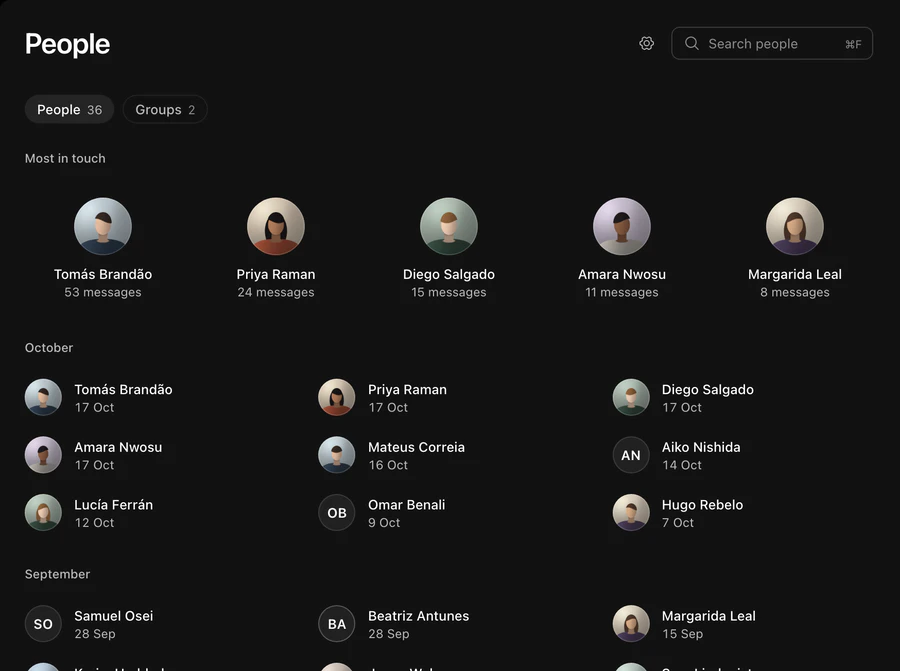
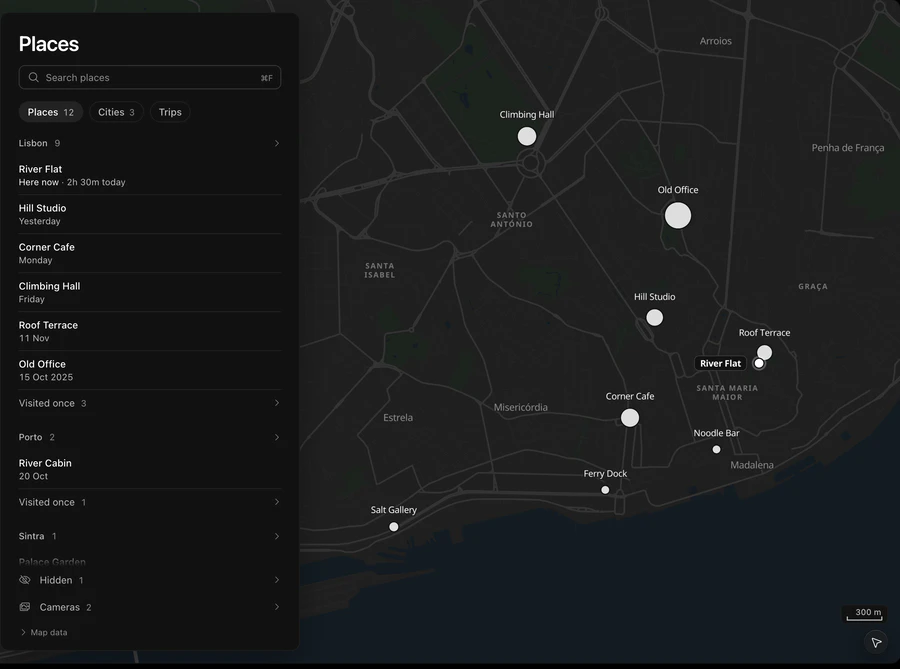
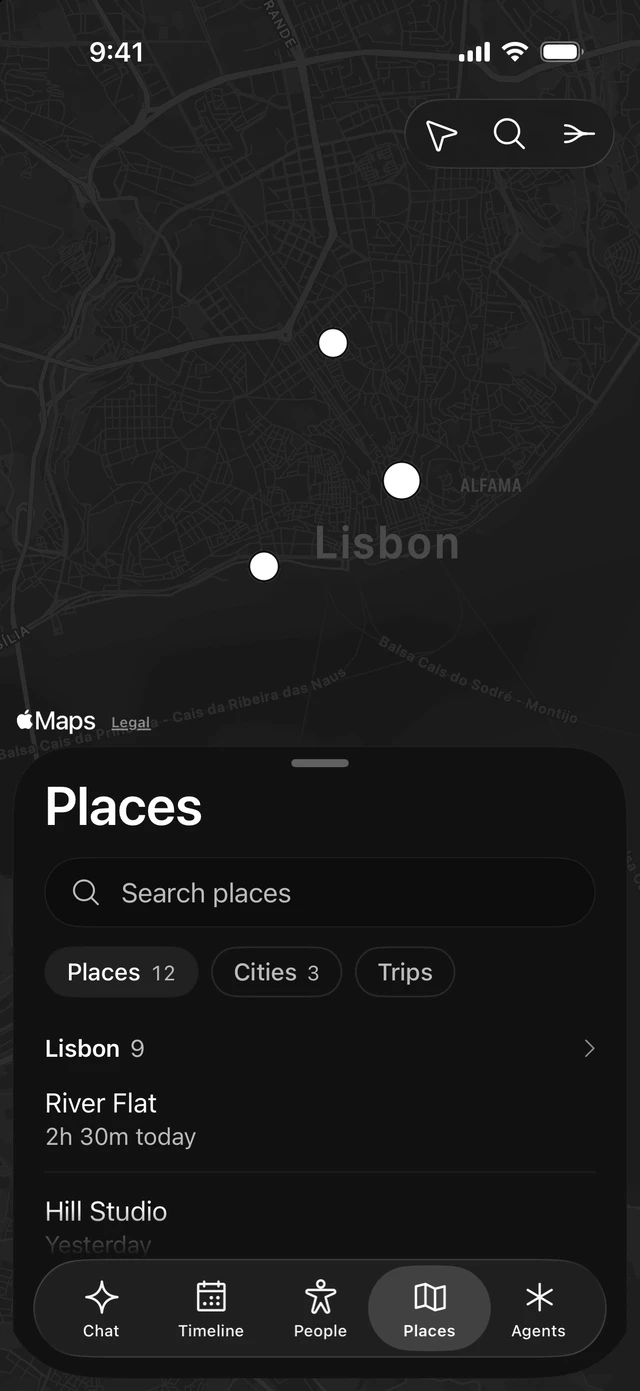
Lifestream keeps your record current on its own, from 40+ sources: your messages, mail, photos, places, health, calendar and screen. There is nothing to sync or export. Import your past from Google Takeout, iPhone backups and app exports, and your record goes back years.
38 connectors
- iMessage
- Gmail
- Calls
- Calendar
- Google Calendar
- Reminders
- Photos
- Google Photos
- Location
- Motion
- Health
- WHOOP
- Screen
- Screen Time
- Keyboard and mouse
- Mac events
- Audio
- Voice notes
- Wispr Flow
- Aqua Voice
- Notes
- Granola
- Lifestream notes
- Camera
- Check-ins
- Chrome
- Safari
- Google activity
- ChatGPT
- Claude
- Claude Code
- Codex
- GitHub
- Now playing
- Spotify
- Contacts
- Google Maps Timeline
6 imports
- Google Takeout
- iPhone backup
- ChatGPT export
- Claude export
- Spotify export
- Google Maps Timeline export
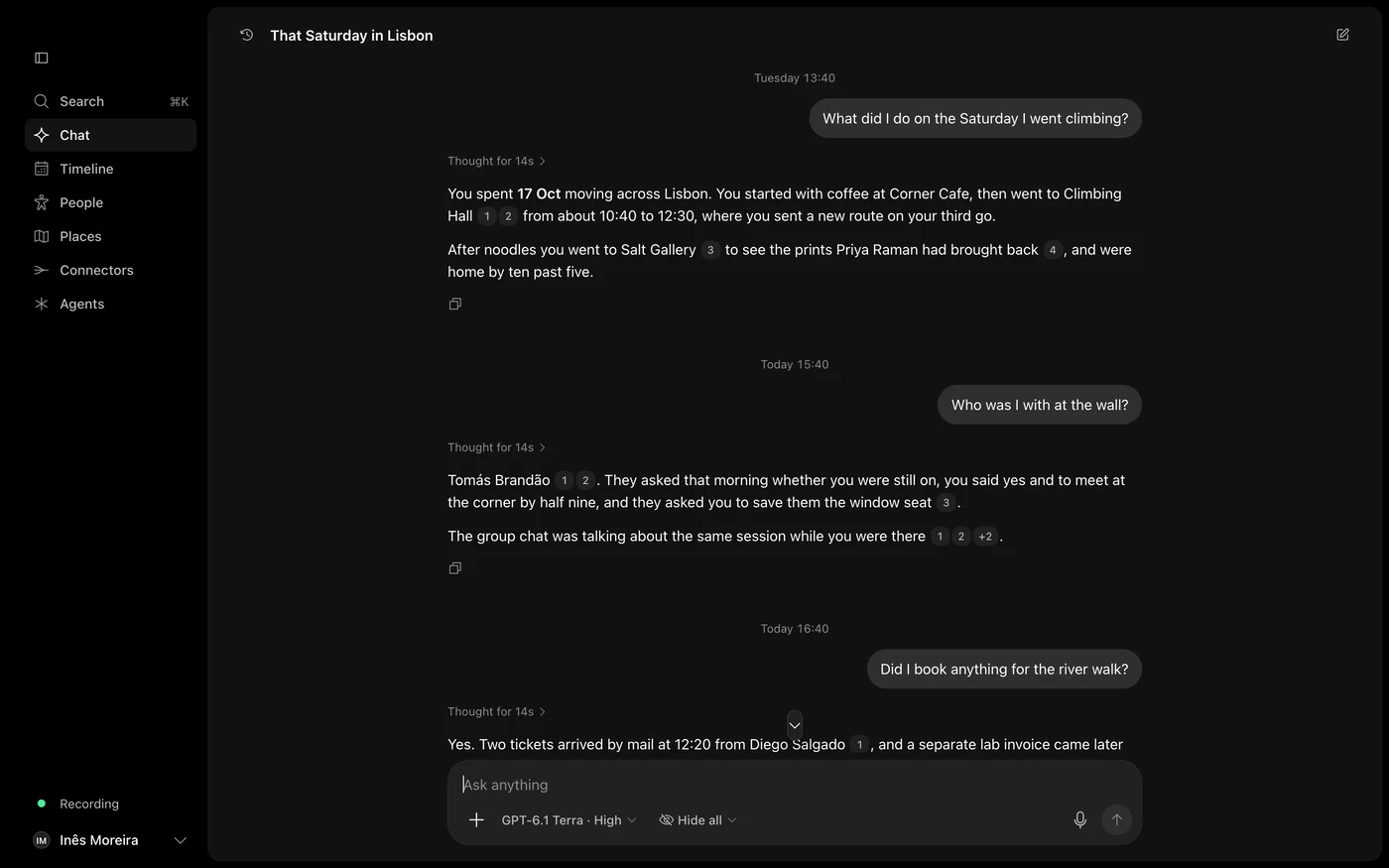
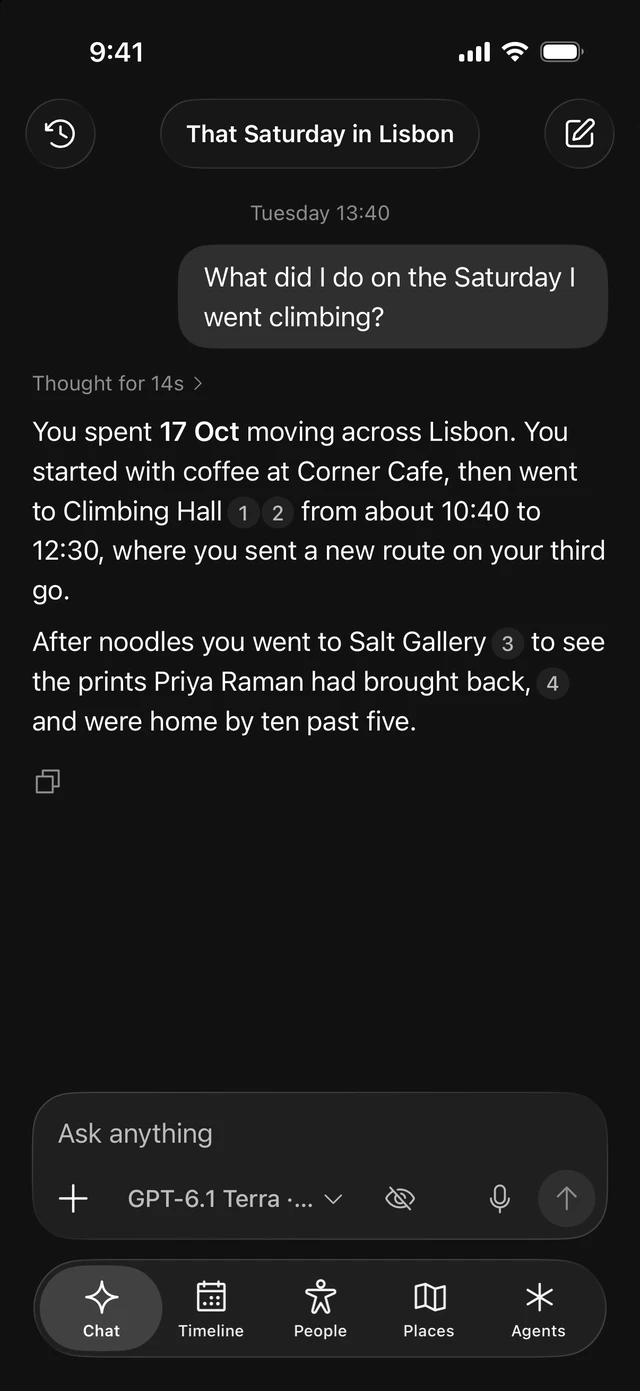
Search your whole life.
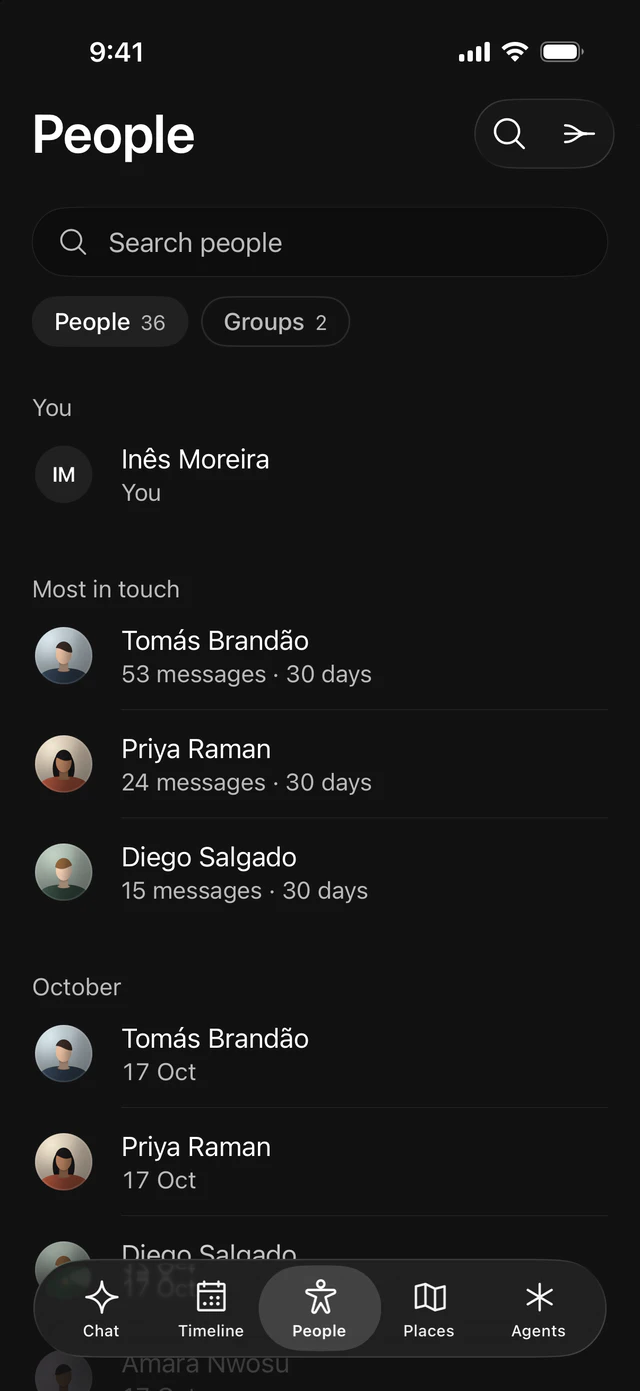
Find anything you wrote, read, saw or were sent, across every source. Ask questions about your life.
Stored locally.In one folder you own.
Encrypted
Only your Mac’s key, or the recovery key you keep, can open it.
No account
Nothing to sign up for. No server of ours receives your data.
Portable
Move the folder to another drive or another Mac at any time.
Bring your life to your agents.Each sees only what you allow.
Connect ChatGPT, Claude, Instinct, Muse, Grok Bot or any app that speaks MCP. Choose which sources each one reads, and how far back. Personal details are hidden by default, and you can see every item each agent has read.
Claude wants to read your Lifestream
It will see
- Reads
- Everything but Health and Money
- How far back
- All time
- Hides
- Details
Don’t allowEdit
FAQ
What does it cost?
Nothing. Lifestream is free and open source. Answering your questions uses your own ChatGPT or Claude plan, or an OpenRouter key with credit. Everything else works without one.
Where is my data kept?
In one encrypted folder on your Mac. There’s no account, and no server of ours receives your data.
Does anything leave my Mac?
Only what you turn on: an item an AI model reads for you, with names, numbers and addresses hidden first, and what your agents read. Settings › Privacy lists every item that left. Two requests always go out, and neither carries your data: an hourly update check, and the map of the area you’re viewing.
What do I need?
A Mac with Apple silicon and macOS 14.2 or later. The iPhone app, in beta on TestFlight, and the Chrome extension are optional, and add a lot. Lifestream records while your Mac is awake; your iPhone holds what it records until then.
How much disk space does it use?
About 3 GB a week from your Mac and 5 GB from an iPhone, plus the past you import.
Can I bring in my past?
Yes. Import Google Takeout, iPhone backups, and your ChatGPT, Claude, Spotify and Google Maps Timeline exports, and your record reaches back years before you installed Lifestream.
Which agents can read it?
ChatGPT, Claude, Instinct, Muse, Grok Bot, and any app that connects over MCP. Each reads only the sources and time span you allow, and you can disconnect it at any time.
Can I stop it recording?
Yes. Pause everything from the menu bar, keep an app or a site out for good, or turn off a single connector. Password fields are never recorded.
What if I lose my Mac?
Lifestream doesn’t back itself up, so keep a Time Machine backup. On a new Mac, your recovery key opens it. Lose both your Mac’s key and your recovery key, and no one can open an encrypted Lifestream, not even us.
Does it work on Windows or Android?
Not yet. Lifestream runs on the Mac today, with an iPhone app alongside.
Can I add my own connectors?
Yes. Ask a coding agent such as Claude Code or Codex to write one for any source you use, then set it up like any other.
Start your record today.Free, private and open source.
macOS 14.2 or later, Apple silicon